
Gridlines Showing Different Colours
You may notice that after generating gridlines, the lines appear slightly coloured instead of the default grey.
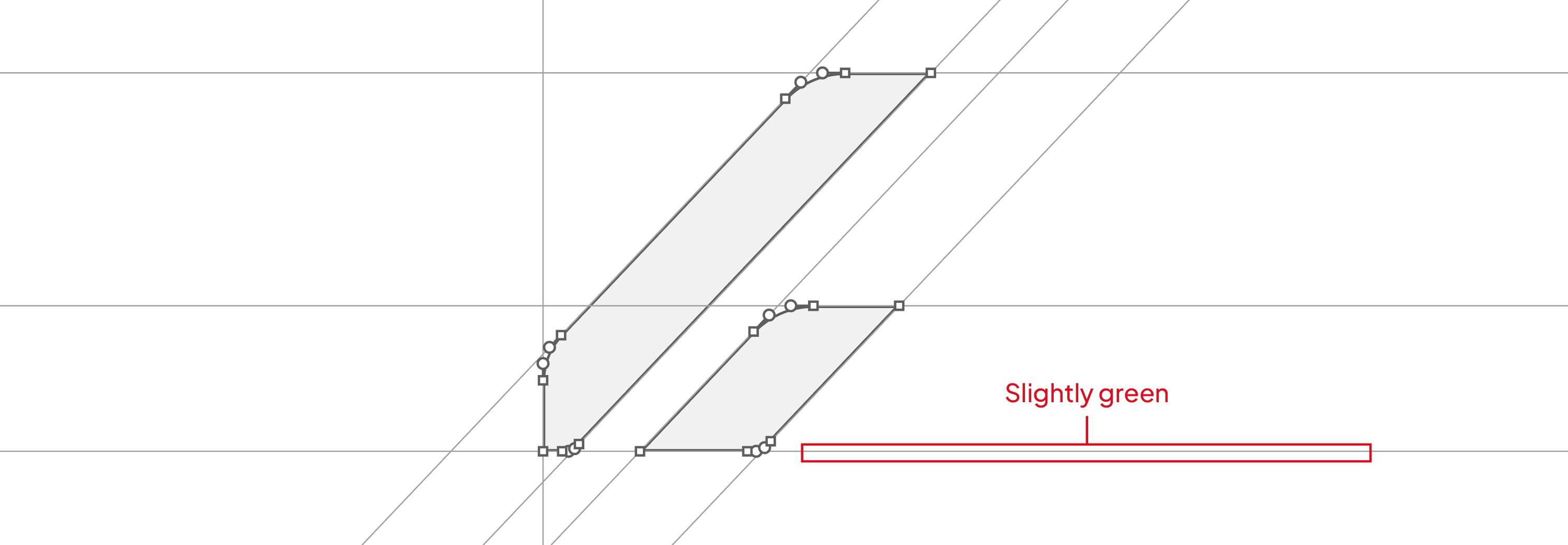
Why this happens
This usually occurs when there is a color already assigned to the 'fill' before generating.
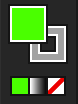
Logo Grid Generator uses your selected object as the reference.
If a coloured element is selected, the generated gridlines may inherit that colour.
How to resolve this
- Undo the previous generation
- Select your logo again
- Make sure you select the bounding box (red outline, no fill)
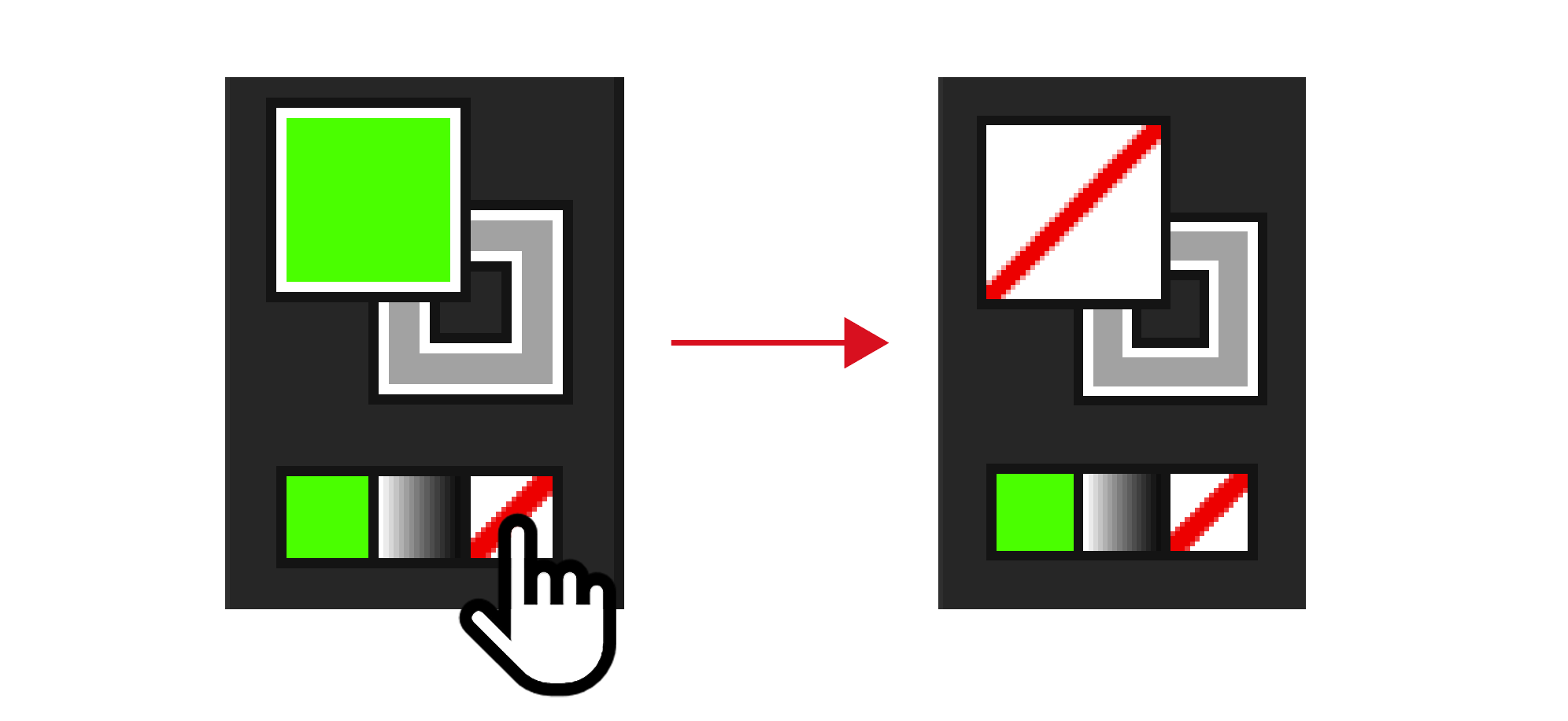
- Click Generate again
Important to know
- This is not an issue with the tool
- Gridline colour is based on the selected object
- These unwanted colors may vary
- Selecting the correct bounding box will fix this
- Sometimes Adobe Illustrator will have a fill already selected, which will affect your generation
Why this works:
- Identifies the real cause (selection issue)
- Gives a fast fix (undo → reselect → generate)
- Reinforces correct usage behaviour
- Keeps it simple and scannable