
How to Edit Your Files as .ai Document | Logo Presentations & Brand Guidelines
Akrivi Studio creates a PDF-style brand guidelines document, but it is actually fully editable as an Adobe Illustrator (.AI) file.
This means you can open it in Illustrator and make changes just like any other .AI document.
How to edit the file
-
After generating your brand guidelines, locate the Akrivi Guideit folder on your desktop (generation history)

-
Open the .AI file from the folder
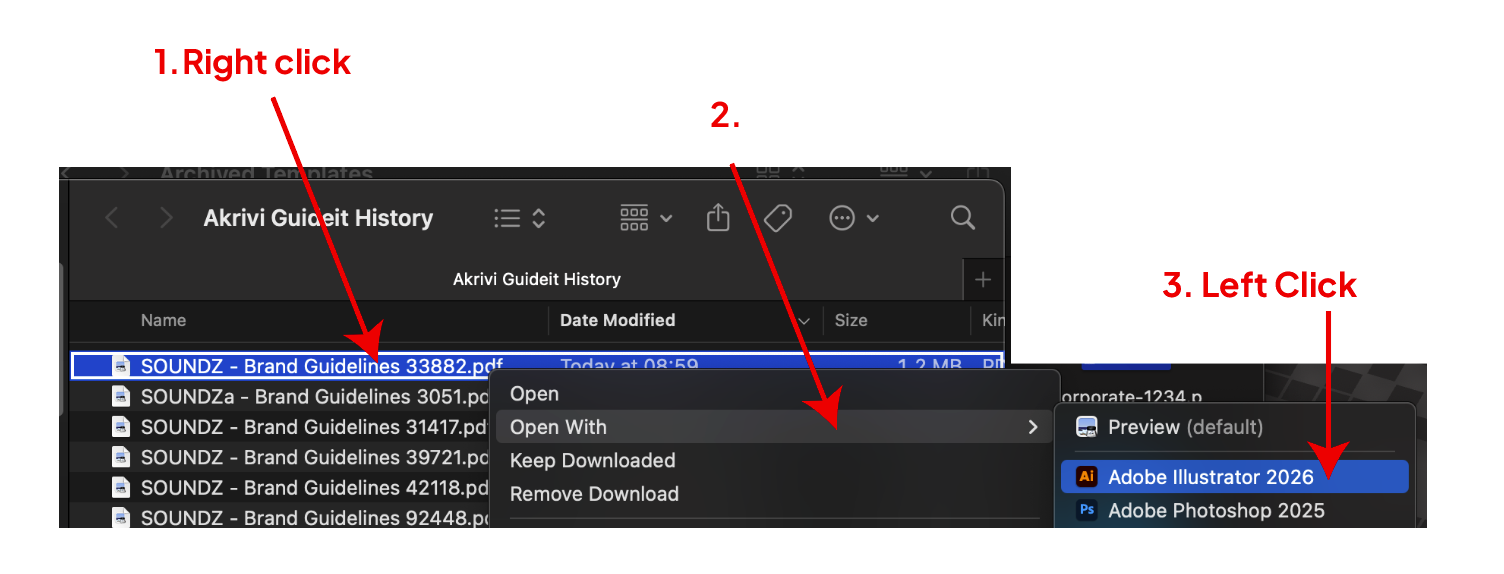
-
Adobe Illustrator will open with your brand guidelines fully editable
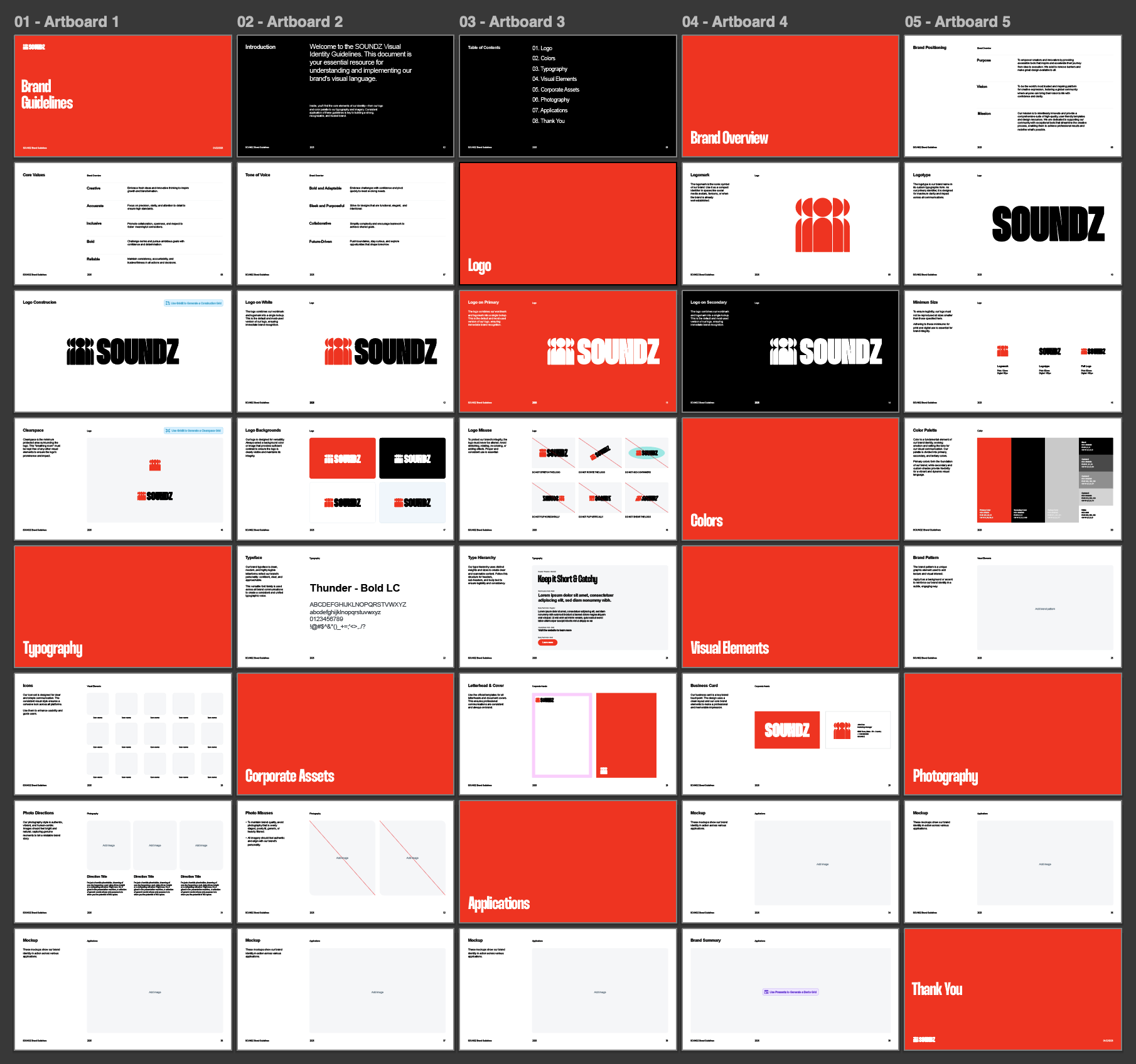
You can now edit text, colours, layouts, and sections as needed.
Important note
To make further changes or regenerate content, the file must keep the same file name as when it was originally generated.
Renaming the file may prevent the generator from applying updates correctly.