
Date Not Correct After Generating
After generating a brand guidelines document using Guideit Brand Guidelines Generator, you may notice that the date is incorrect or hasn’t updated.
Typically this issue will display the date 'September 2024'
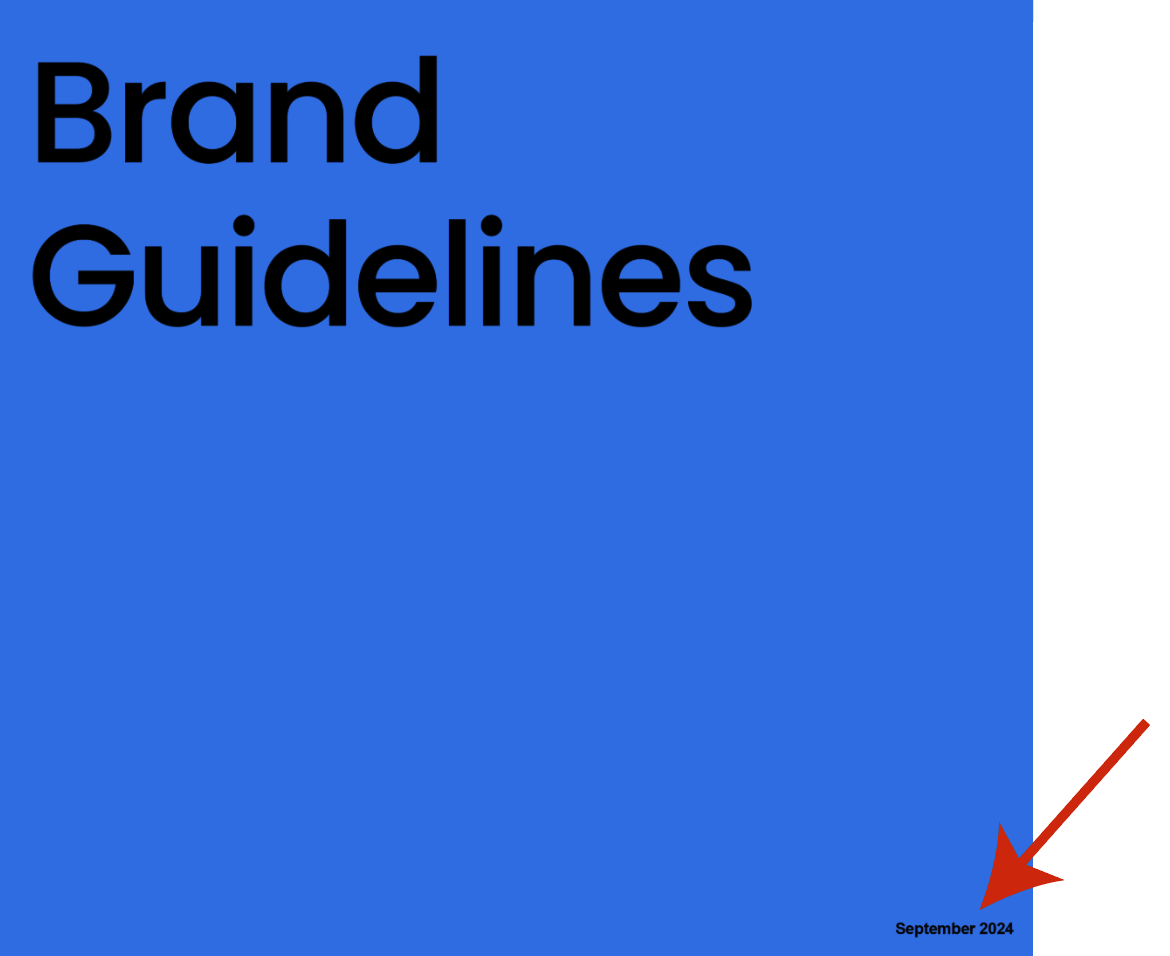
This is not an issue with the plugin. It happens when Adobe Illustrator doesn’t complete one of its automation steps, usually due to limited system resources (for example, many apps open or low available RAM).
How to fix it
Try the following, in order:
- Click the “Apply Changes” button to re-run the automation steps
- Generate the document again
- Restart Adobe Illustrator, then generate again
- Restart your computer, then generate again
In most cases, the issue is resolved by one of the first two steps.
Why this happens
Adobe Illustrator occasionally skips automation steps when system resources are under heavy load. Restarting the app or freeing up resources allows the automation to complete correctly.